DBX (t8y2/dbx) Guide: Lightweight Rust DB Client with Built-in MCP & CLI
Explore DBX (t8y2/dbx), an Apache-2.0 Rust/Tauri database client supporting 100+ databases, a 3-tier MCP server for AI agents, and Docker self-hosting.
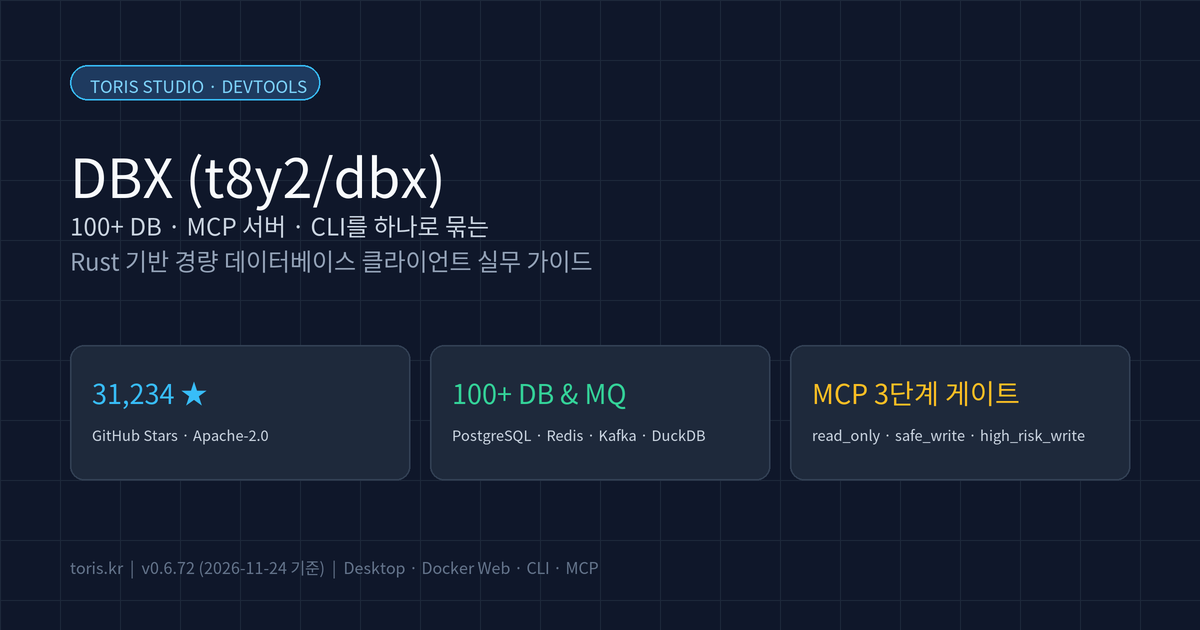
Q. What is DBX (t8y2/dbx), and how does it differ from DBeaver or TablePlus? DBX is an Apache-2.0 open-source database client built with Rust and Tauri 2. Without bundling a Java JRE or Chromium, it supports 100+ databases and middleware consoles—including MySQL, PostgreSQL, SQLite, Redis, DuckDB, and Kafka—and connects directly to AI coding agents like Claude Code and Cursor via a standalone Rust MCP server (
@dbx-app/mcp-server) and CLI (@dbx-app/cli).
⚠️ Accuracy guardrail: This guide is based on direct inspection of the
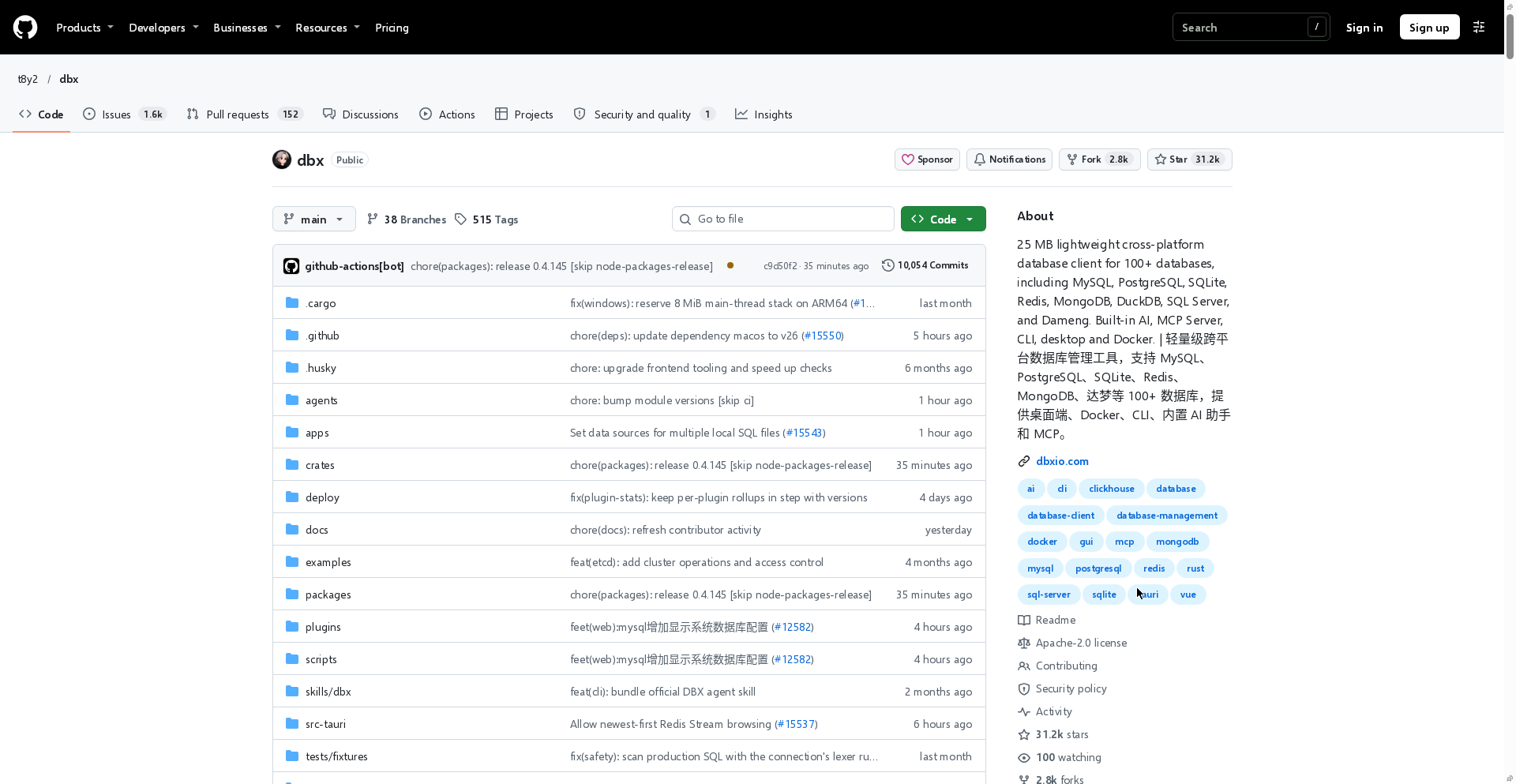
github.com/t8y2/dbxREADME, GitHub API metadata, and thev0.6.72release assets (published Nov 19, 2026) as of November 24, 2026. While the README highlights25 MB, actualv0.6.72installer assets range from 30.7 MB (Windows ARM64 setup) to 118.8 MB (Linux AppImage) depending on packaging. This is a documentation-verified overview rather than a local query benchmark.
30-second summary
- Scale and license: As of November 24, 2026, the repo holds 31,234 GitHub Stars and 2,843 Forks under the permissive Apache License 2.0 (core languages: Rust 39.1%, TypeScript 30.9%, Vue 15.9%).
- 100+ databases & middleware: Covers relational, NoSQL, vector DBs (Qdrant, Milvus), local DuckDB-powered Parquet/CSV/JSON previews, plus first-class consoles for Kafka, RabbitMQ, MQTT, etcd, and Nacos.
- MCP server with 3-tier permission gate: Connects via
npx -y @dbx-app/mcp-server, while centralizing connection allowlists andread_only,safe_write, andhigh_risk_writemodes inside DBX settings. - Desktop, Docker Web, and CLI: Ships native apps for macOS, Windows, and Linux alongside a self-hostable Docker Web edition (
t8y2/dbx:lateston port4224).
Why DBX stands out: no JVM bloat, no Freemium tab caps
Solo builders and backend engineers constantly hit the same friction with database GUIs: running heavy Java-based tools like DBeaver, or running into Freemium tab and connection limits on TablePlus. DBX uses Tauri 2 + a Rust backend (sqlx, tiberius, redis-rs, mongodb) + Vue 3, avoiding bundled Chromium and JVM runtimes altogether.
| Item | DBX (t8y2/dbx) |
DBeaver (Community) | TablePlus (Free tier) |
|---|---|---|---|
| Core runtime | Rust + Tauri 2 (OS WebView) | Java (bundled JVM) | Native (macOS/Win/Linux) |
| License & pricing | Apache-2.0 (fully free open source) | Apache-2.0 (EE is paid) | Freemium (tab/connection caps) |
Release size (v0.6.72) |
~30.7 MB–48.1 MB (AppImage 118.8 MB) | Several hundred MB with JVM | Tens of MB |
| AI agent MCP | Official Rust MCP server + 3-tier policy | Requires third-party setup | Requires third-party setup |
| Web / Docker hosting | Official Docker image (t8y2/dbx:latest) |
Separate CloudBeaver setup | Not supported |
100+ databases and message queues in one workspace
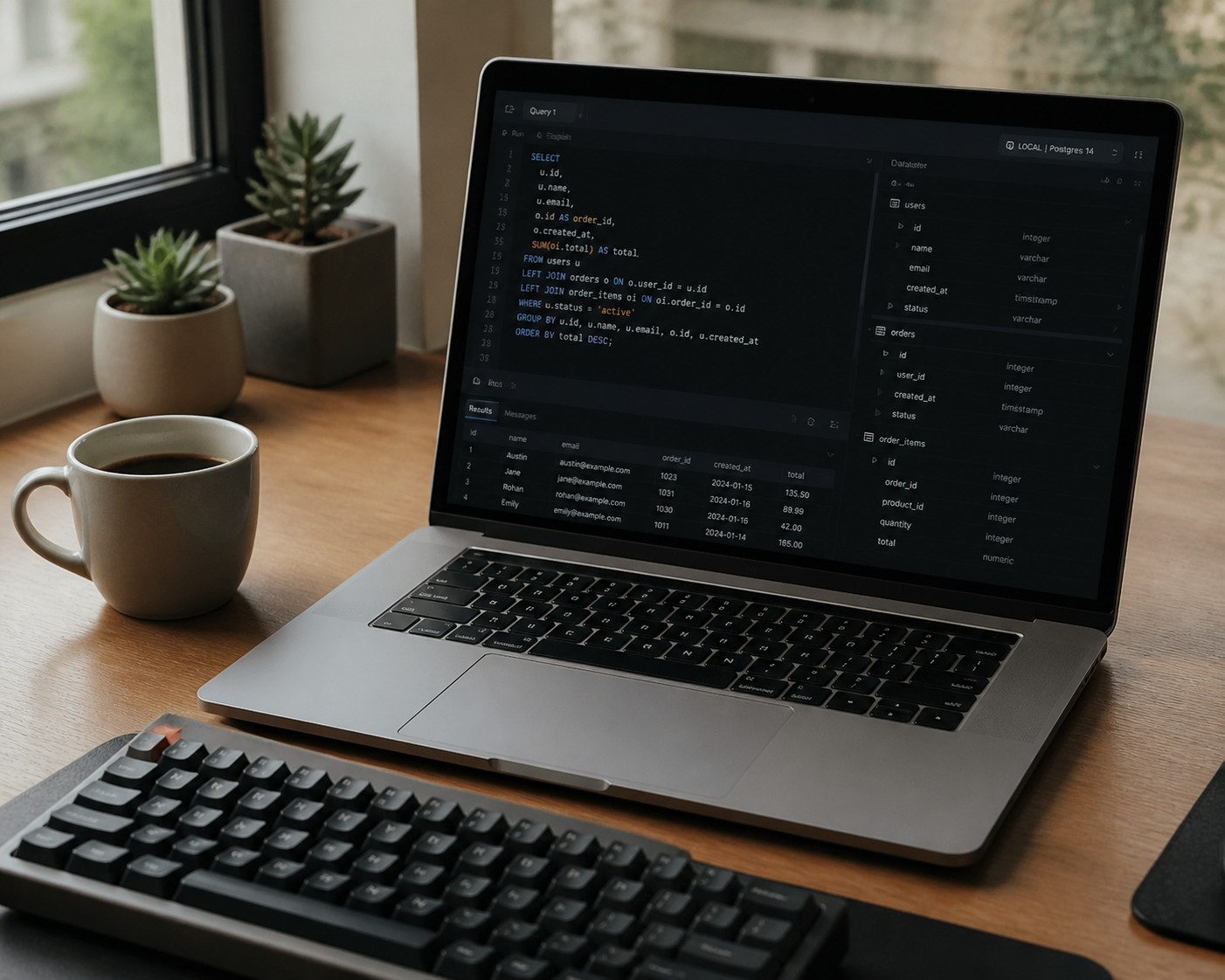
DBX goes beyond a SQL editor by bundling data engineering and infrastructure consoles in a single interface. Alongside PostgreSQL, MySQL, SQLite, Cloudflare D1, SQL Server, Oracle, and ClickHouse, its built-in DuckDB engine lets you drag and drop Parquet, CSV, or JSON files for instant preview.
For solo developers and small teams, the message queue and config registry consoles are equally practical: inspect Kafka, RabbitMQ, RocketMQ, Pulsar, and MQTT topics, or browse Nacos, Consul, ZooKeeper, and etcd keys without switching tools. You can also import existing connection profiles directly from DBeaver or Navicat.
The killer feature: MCP server and CLI for AI agents
As more teams delegate work to coding agents—covered in our guides on Claude Code Auto Mode and Multica—giving agents safe access to live database schemas becomes essential. DBX distributes a standalone Rust-powered MCP server (@dbx-app/mcp-server) separately from the desktop app.
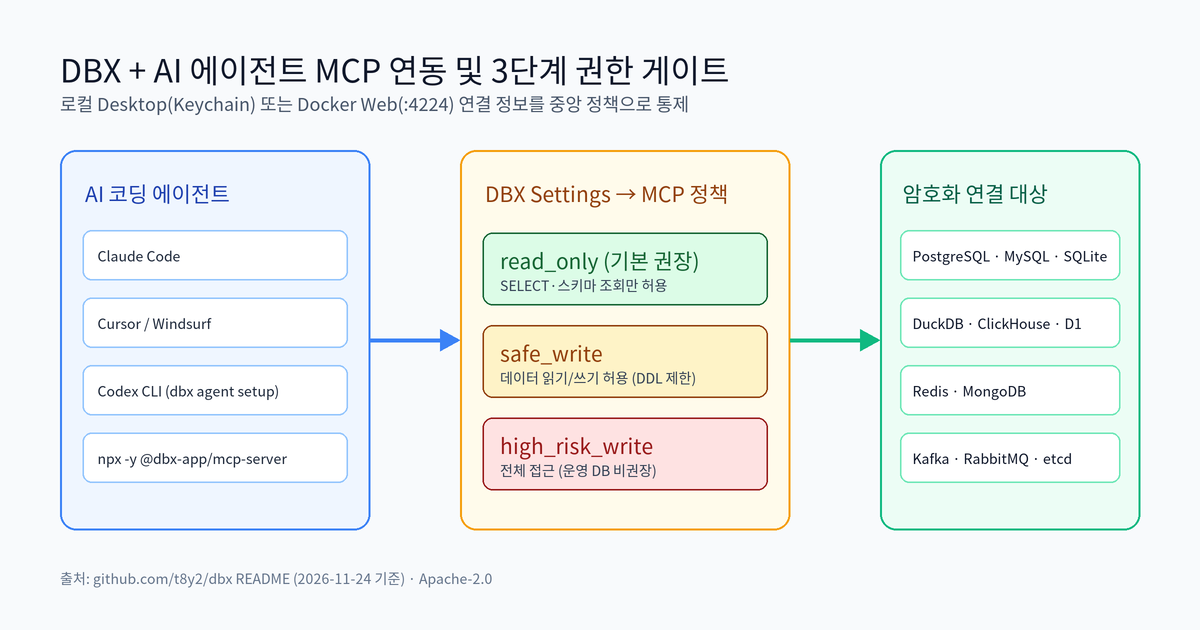
Adding just five lines to .mcp.json lets Claude Code, Cursor, or Windsurf reuse the SSH tunnels, proxies, and database connections already configured in DBX:
{
  "mcpServers": {
    "dbx": {
      "command": "npx",
      "args": ["-y", "@dbx-app/mcp-server"]
    }
  }
}
For Docker Web deployments (http://localhost:4224), pass DBX_WEB_URL and DBX_WEB_PASSWORD in env. Terminal-first workflows can install @dbx-app/cli and run dbx agent setup to install the official DBX Agent Skill under ~/.agents/skills/dbx.
Q. What if an AI coding agent tries to drop a table via MCP? DBX enforces an allowlist and permission mode centrally in DBX Settings → MCP, not in client config files. It supports three levels:
read_only(recommended default),safe_write(data read/write without risky DDL), andhigh_risk_write(full access).
Security and self-hosting: Keychain vs. Docker secret keys
DBX encrypts connection passwords, SSH keys, and AI API keys before writing them to dbx.db. Desktop builds rely on the OS credential store (macOS Keychain, Windows Credential Manager, or Linux Secret Service).
Docker (docker run -d -p 4224:4224 -v dbx-data:/app/data t8y2/dbx:latest), Web, and Windows portable builds store a managed key at .dbx/secret.key inside the data directory. Always back up the full /app/data volume containing both dbx.db and .dbx/secret.key, and prefer DBX_SECRET_KEY_FILE or a secret manager in production. Note that standalone CLI/MCP tools will return DATA_MIGRATION_REQUIRED on legacy plaintext data until you launch Desktop or Web once to complete the upgrade wizard.
Toris's take
- Best for: Solo developers tired of DBeaver's JVM footprint or TablePlus's free-tier limits, and engineers who want Claude Code or Cursor to inspect schemas safely under
read_onlyMCP rules. - Watch out for: Treat
25 MBas a headline figure—realv0.6.72binaries run 30–118 MB depending on OS packaging. Before connecting production databases to an AI agent, lock down the connection allowlist and keepread_onlyenabled in DBX Settings → MCP. If you need help building developer tools or automation pipelines, check out Toris Services.
Sources
Advertisement