Hex for iPhone Guide: 100% On-Device, Free Voice Dictation Keyboard
How Anomaly's free open-source Hex keyboard runs voice dictation, cleanup, and translation entirely on your iPhone with zero cloud uploads.
Q. Can I get a free iPhone voice dictation keyboard that never sends my voice to a server? Yes. Hex (
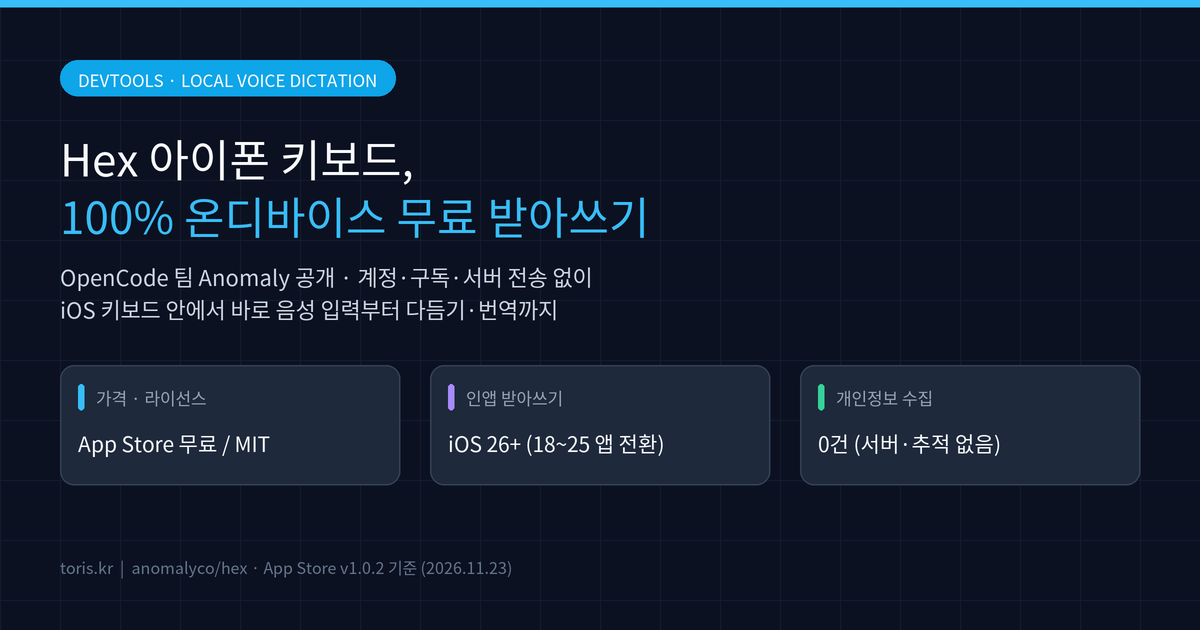
Hex: voice dictation keyboard), released for free on the App Store on November 22, 2026 (KST) by Anomaly Innovations—the team behind OpenCode—converts speech to text entirely on your iPhone. There is no account, no subscription, and no cloud upload, and the full source code is published on GitHub (anomalyco/hex, MIT license).
⚠️ Accuracy guardrail: All specifications in this article are verified directly from the App Store listing (v1.0.2, 62.2 MB), the
anomalyco/hexGitHub repository (ios/README.mdandREADME.md, 8,120 Stars · 543 Forks), and the official privacy policy (updated November 20, 2026) as of November 23, 2026. Supported languages and experimental options may change in future updates, and because on-device recording was not tested on physical iOS hardware here, runtime behavior is documented strictly from the official source code and documentation.
30-second summary
- 100% local & free dictation: A free App Store app (4+, 62.2 MB) with no account, subscription, or ads, and an App Store privacy label showing Data Not Collected.
- Two paths by iOS version: On iOS 26+, dictation runs directly inside the keyboard without leaving your app; on iOS 18–25, tapping Hex opens the app briefly to record and transcribe before you swipe back.
- More than raw speech-to-text: Removes filler words and self-corrections ("Friday at 3pm, actually 4pm" → "Friday at 4pm"), offers four writing styles (Polished, Casual, Notes, Verbatim), supports on-device translation, custom vocabulary, and Apple Intelligence cleanup.
- Connected to the desktop open-source ecosystem: The same repository (
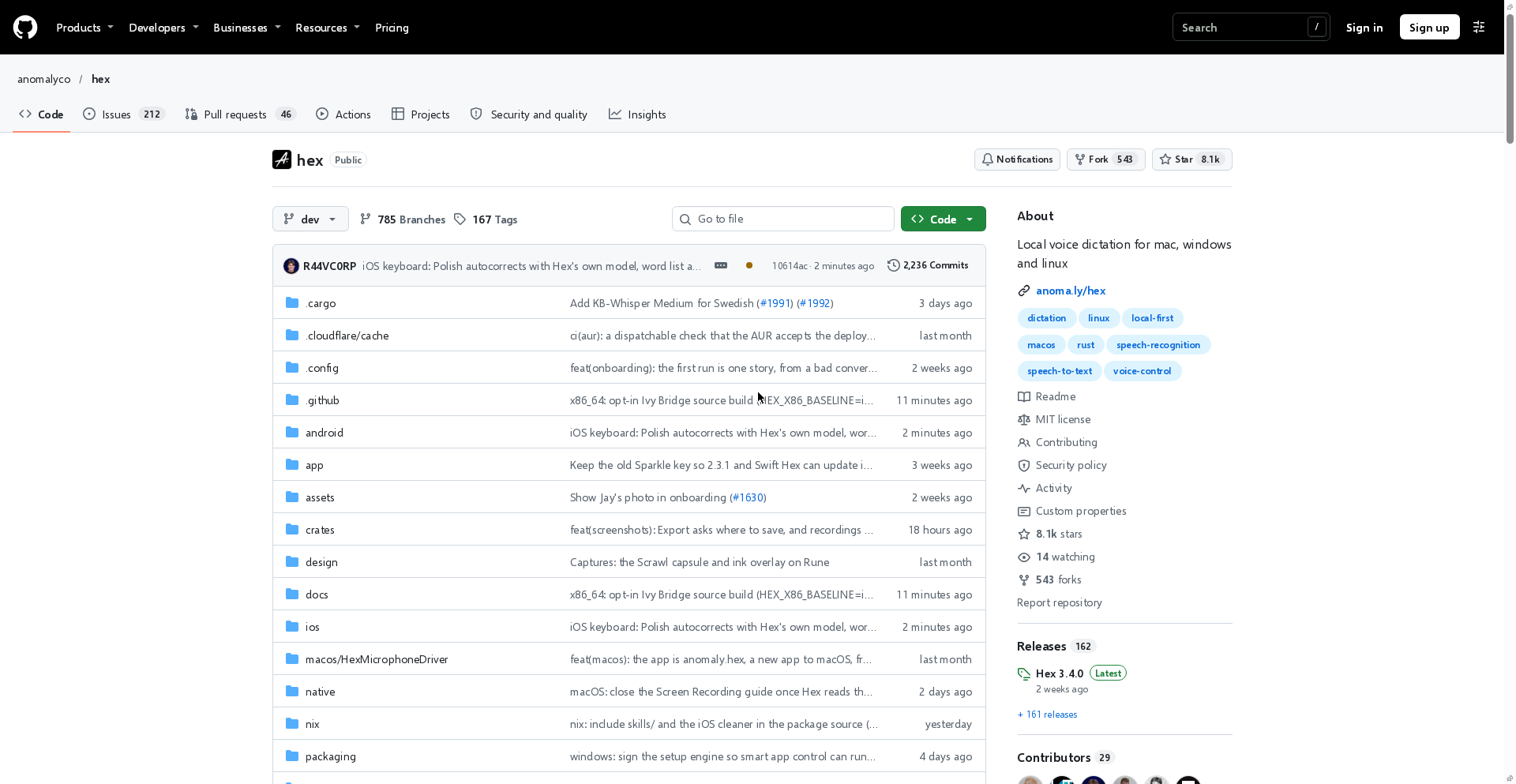
anomalyco/hex) maintains the MIT-licensed macOS, Windows, and Linux local dictation app (latest releasev3.4.0).
What makes Hex different from other dictation apps
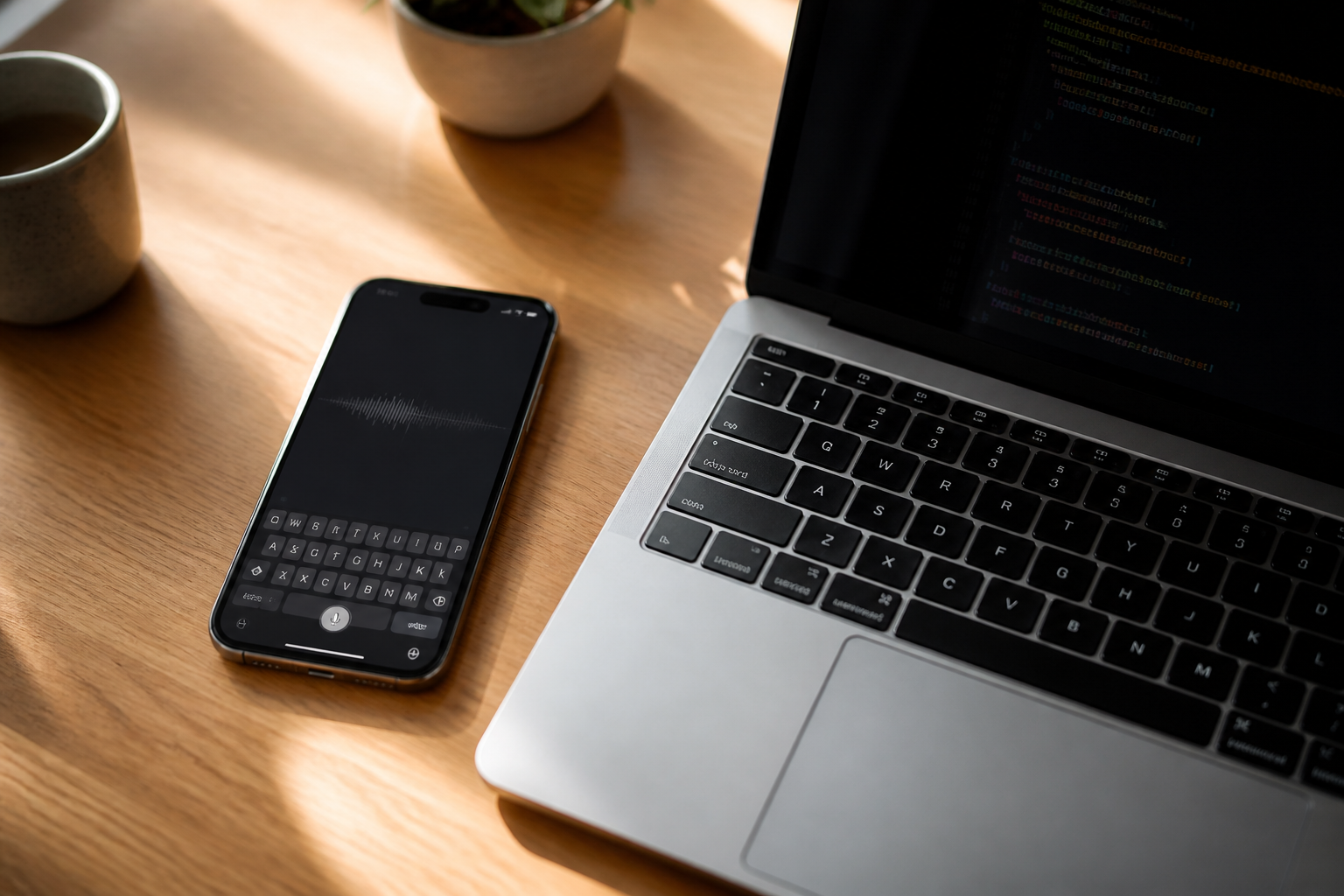
Hex is not a standalone voice-memo app—it embeds on-device voice dictation inside a full custom keyboard you can use in any app. Most dictation tools force you to open a separate app, record, copy the transcript, and paste it back into a chat or note. With Hex enabled in iOS Settings, you simply tap or hold the Hex key anywhere, speak, and release to drop text straight at the cursor.
As a keyboard first, it mirrors Apple's layout with long-press accents, space-bar cursor movement, text replacements, emoji search, app-aware Return keys (send, go, search, done), and swipe typing in English and Spanish. It also adds a Control Center control, Action Button shortcut, and Live Activity while recording so voice input stays accessible across the OS.
| Comparison | Hex (iPhone) | Typical cloud voice apps/keyboards | Apple built-in dictation |
|---|---|---|---|
| Price & account | Free · No account | Monthly subscription or quota · Login required | Free (built into OS) |
| Cloud audio upload | None (100% on-device) | Usually sent to cloud APIs | Mix of on-device/server by device & language |
| Filler & edit cleanup | Built in (4 writing styles) | Only in select paid tools | Not supported (literal transcript) |
| Open-source auditability | Public MIT repo (anomalyco/hex) |
Mostly closed source | Closed source |
iOS 26+ vs iOS 18–25: how the on-device pipeline works
The key technical dividing line is whether your iPhone runs iOS 26 or later, though audio never leaves the device in either path. Because iOS normally blocks keyboard extensions from recording audio directly, the Hex team documented two architectures in ios/README.md.
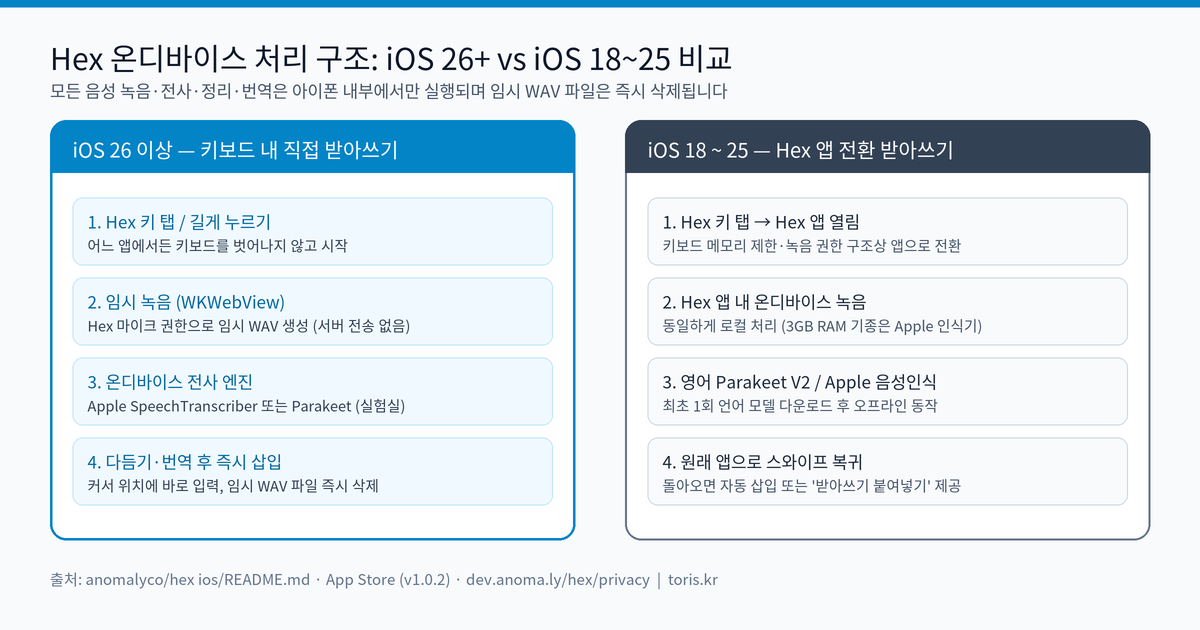
- iOS 26 and later (in-keyboard dictation): The keyboard captures audio through
getUserMediainside a hiddenWKWebViewunder Hex's microphone permission, writes a temporary WAV file, and transcribes it on-device using Apple'sSpeechTranscriber(or an experimental Neural Engine Parakeet model). Only if available memory falls below the keyboard's headroom threshold (roughly 60–90 MB total limit) does it fall back to opening the main Hex app. - iOS 18 to 25 (app-handoff dictation): Tapping the Hex key opens the containing app (
HEXMobile), which transcribes locally using FluidAudio Parakeet V2 (English) or Apple's on-deviceSFSpeechRecognizer(other languages and 3 GB RAM devices such as iPhone XR and SE 2nd gen), then inserts the text when you swipe back.
Temporary WAV captures are deleted immediately after inference, cancellation, or failure. Once a language's speech model is downloaded on first use, dictation works offline. Unlike external automation approaches such as the Phone Harness guide, Hex operates strictly within iOS's own permissions and on-device models.
Is enabling Full Access actually safe?
Hex Keyboard types normally without Full Access, and only requests Full Access so it can use Hex's microphone permission and share settings with the Hex app. Users often hesitate to grant Full Access to third-party iOS keyboards out of fear that keystrokes or passwords might be uploaded. In both its App Store listing and its privacy policy (dev.anoma.ly/hex/privacy, updated November 20, 2026), Anomaly states that Hex Keyboard makes no network requests and Hex operates no servers that could receive your audio or text.
- Default state: Zero analytics, zero advertising SDKs, zero tracking, and no user accounts.
- Opt-in local features:
Custom vocabularyandLearn how I typeremain off until enabled and stay strictly on your iPhone. - Only network activity: Downloading a speech model on first language use (from Apple via iOS or Hugging Face for fallback/Android models), which transmits no audio, text, or device identifiers.
Because the iOS app and keyboard source code live publicly in anomalyco/hex, anyone can inspect the network and file-cleanup behavior directly.
Pairing mobile Hex with the desktop workflow
While Hex for iPhone streamlines everyday messaging and notes, the desktop version in the same repository targets coding and heavy writing. Built primarily in Rust (73.5%) and Swift (17.7%), desktop Hex (v3.4.0) supports macOS (Apple Silicon), Windows (x64/ARM64), and Linux (x86_64/ARM64). Hold a shortcut, speak, release, and text lands at your cursor using local models such as Whisper large-v3-turbo, Qwen3-ASR 0.6B, SenseVoice Small (including Korean, English, Japanese, and Chinese), Parakeet, or custom GGUF files.
For developers, the Output pipeline stands out: you can configure per-app text cleanups, word replacements, custom scripts, or an optional OpenCode rewrite step, alongside a local CLI (hex transcribe meeting.m4a), TypeScript SDK, and screen-annotation recording (Annotate). If you are building broader AI developer workflows, check out Toris Studio Services.
Toris's take
- Who should install it today: If you are on iOS 26+ and want fast voice input across messaging, email, Slack, and notes without paying monthly subscriptions or sending voice clips to third-party servers, Hex is currently the cleanest free option.
- Who should check the caveats first: On iOS 18–25, dictation requires a quick switch to the Hex app and back. Accuracy in Korean also depends on Apple's on-device speech recognition quality, so testing with Custom vocabulary enabled for domain terms is recommended.
- For builders:
anomalyco/hexis also a practical reference codebase for working around iOS keyboard extension memory limits (os_proc_available_memory) and audio capture constraints—readingios/README.mdalone is worth the time if you build on-device AI tools.
Sources
Advertisement