NO SPEAKER (os6/nospeaker): Making a Muted MacBook Trackpad Talk
How single-file Swift tool NO SPEAKER drives the Force Touch haptic motor up to 4 kHz with 10 ms two-formant voice synthesis.
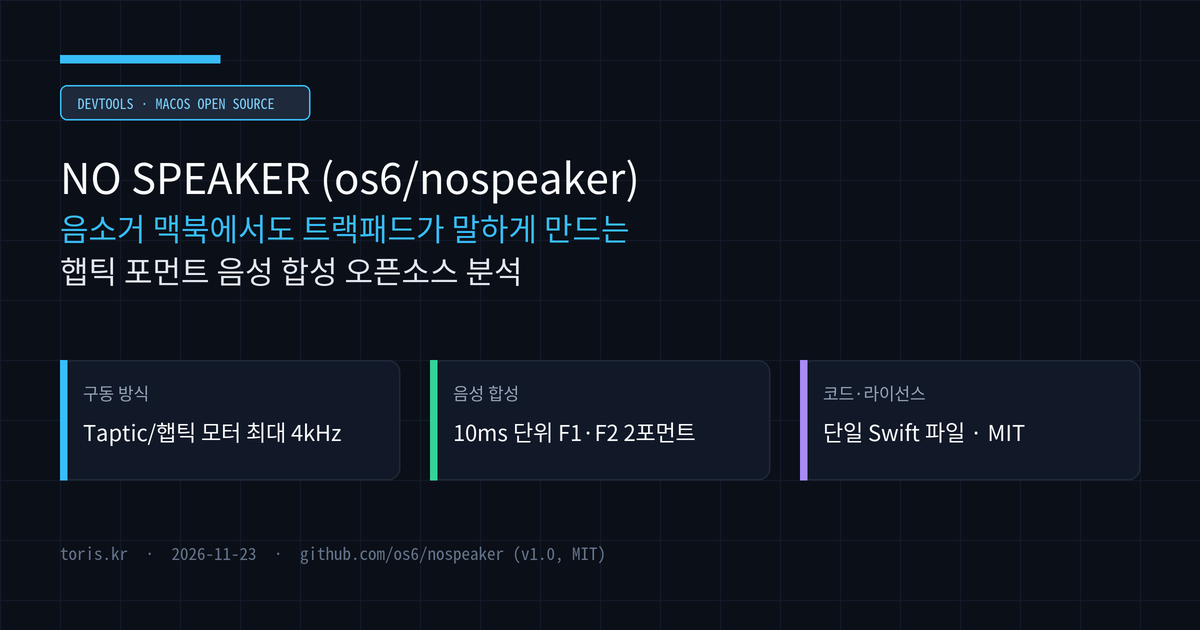
Q. Can a MacBook trackpad actually produce spoken voice even when the Mac is completely muted? Yes. The open-source project NO SPEAKER (
os6/nospeaker) drives the haptic motor beneath a MacBook Force Touch trackpad up to 4,000 times per second, turning the glass itself into a vibrating speaker. By extracting the two strongest formants (F1 + F2) every 10 ms from macOS'ssayspeech engine and feeding them through Apple's privateMultitouchSupportframework, it speaks and sings with system volume at zero.
⚠️ Accuracy guardrail: This article summarizes facts verified directly on November 23, 2026 from the
os6/nospeakerGitHub repository (v1.0, 818 stars, 45 forks),README.md,play.sh,build.sh, anda90.com. The author's tested environment isMacBook Pro (Mac17,10, M5 Max, macOS 27.2.1); Intel Macs, standalone Magic Trackpads, and older macOS releases remain untested. Because it relies on a private macOS framework, future OS updates may break it.
30-second summary
- Core mechanism: Drives the Force Touch haptic motor up to 4,000 Hz so the glass vibrates across an audible range of 98 Hz to 3,951 Hz.
- Voice synthesis: Runs 10 ms linear prediction on macOS speech in memory to extract two formants (
F1 + F2), pitch, and loudness as a two-tone sine list. - Code & distribution: Written in a single dependency-free Swift file (
nospeaker.swift, MIT license) with an Apple-notarizedv1.0universal binary. - Constraints: Requires a 2015+ MacBook Force Touch trackpad or Magic Trackpad 2+, and sounds clearest when the laptop sits on a hard desk rather than your lap.
What is NO SPEAKER?
NO SPEAKER is an open-source macOS audio-haptics experiment released on November 22, 2026 by Cody Collier of the Bangkok one-person studio a90.com. The repository is 94% Swift and 6% Shell, with the entire synthesis and actuation pipeline living inside a single dependency-free source file, nospeaker.swift.
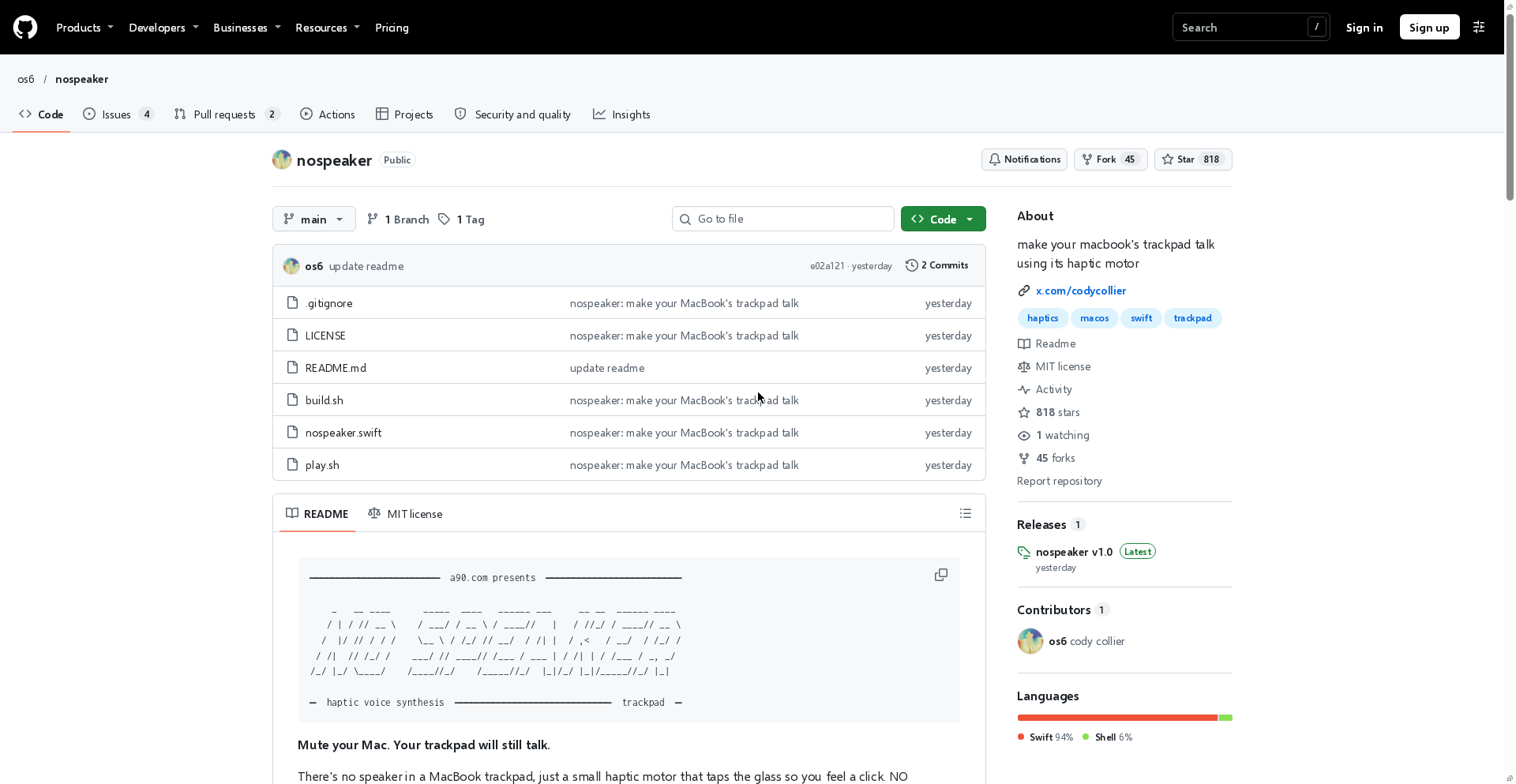
Within a day of release it gathered 818 stars and 45 forks on GitHub. Beyond the novelty demo, the author measured every semitone from 98 Hz to 3,951 Hz using the MacBook's built-in microphone (+16 to +34 dB above a quiet room) and documented the exact resonance behavior.
Why public Apple APIs cannot do this
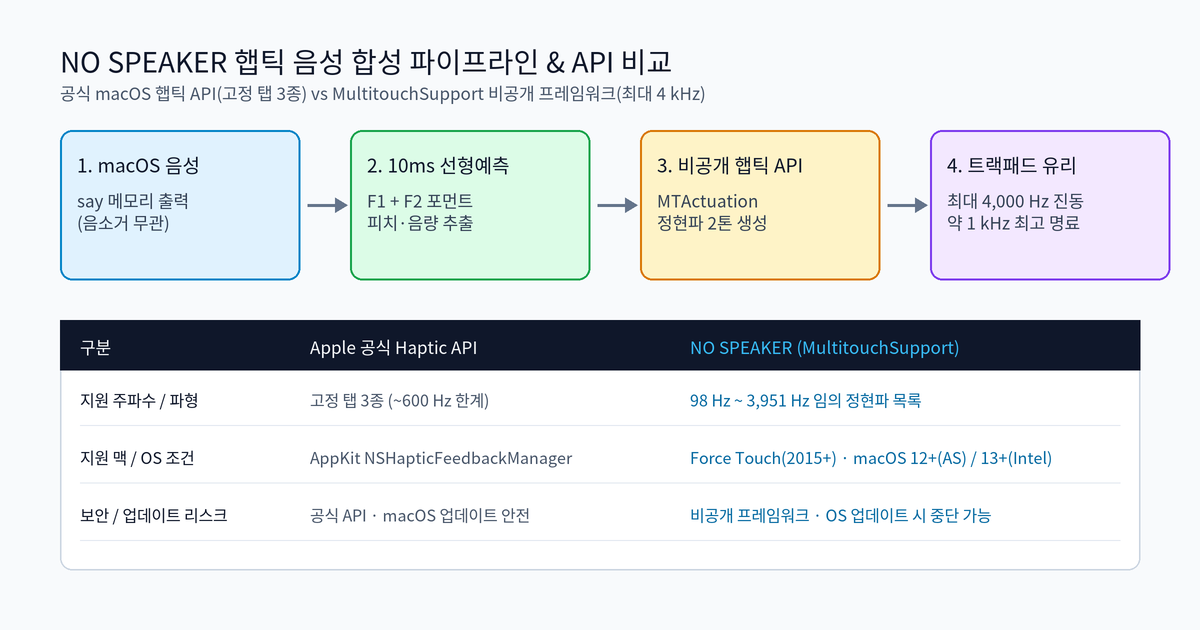
Apple's public AppKit haptics API (NSHapticFeedbackManager) exposes only three fixed tap patterns whose effective output stops around 600 Hz. That makes continuous pitch modulation and speech synthesis impossible through public frameworks.
| Aspect | Apple Public Haptic API | NO SPEAKER (MultitouchSupport) |
|---|---|---|
| Framework | AppKit (NSHapticFeedbackManager) |
Private MultitouchSupport (MTActuationCreateFromDictionary, MTActuationActuate) |
| Waveform control | 3 fixed taps (~600 Hz ceiling) | Arbitrary sine-tone list from 98 Hz to 3,951 Hz (frequency, strength, duration) |
| Speech / instrument | Not possible | 10 ms two-formant voice synthesis and frequency sweeps |
| Update safety | Officially supported | Undocumented private API; macOS updates can break it |
NO SPEAKER uses private MultitouchSupport functions (discovered via the open-source Tactile project) to pass custom sine-tone lists directly to the trackpad actuator. To keep hardware safe, it caps amplitude at the motor's normal maximum strength so the driver never stalls.
How 10 ms two-formant synthesis works
Instead of pushing raw audio waveforms into a tiny click motor, NO SPEAKER compresses speech into two resonant tones every 10 milliseconds:
- In-memory speech: macOS's
sayvoice renders the phrase directly into memory, independent of system mute state. - 10 ms linear prediction: Each frame extracts the two strongest vocal resonances (
F1 + F2), overall loudness, and pitch. - Pitch-synchronous restart: Both sine tones restart on every pitch beat, creating a vocal buzz instead of pure whistling, while unvoiced consonants (
s,f,t) become brief high-frequency bursts. - Two formants over three: In blind listening tests, two tones outperformed three—splitting motor force across fewer tones made the output noticeably louder and easier to understand.
Measurements show the glass vibrates cleanly from roughly 100 Hz to 4 kHz, peaking in clarity around 1 kHz, right in the core intelligibility band of human speech.
Requirements and how to run it
Check hardware and OS compatibility before running:
| Requirement | Supported baseline |
|---|---|
| Hardware | Force Touch trackpad (2015+ MacBook or Magic Trackpad 2 or newer) |
| macOS (Apple Silicon) | macOS 12 or later |
| macOS (Intel) | macOS 13 or later |
| Building from source | Xcode or Command Line Tools (Swift 5.7+, xcode-select --install) |
You can run it via the one-line installer or build from source:
# 1) Install to ~/.local/bin/nospeaker and start the show
curl -fsSL a90.com/nospeaker | sh

# 2) Custom phrases, voices, and frequency sweep
./nospeaker "hello there"
./nospeaker --voice Daniel "hello"
./nospeaker --sweep
If you prefer not to pipe a script into sh, download the Apple-notarized nospeaker.zip from GitHub Releases or clone the repo and run ./build.sh to compile a universal (arm64 + x86_64) binary locally. Place the MacBook on a solid table and keep your fingers off the trackpad glass while listening, as a lap absorbs most of the vibration.
Toris's take
NO SPEAKER is not a daily productivity utility—it is a sharp low-level engineering showcase that pushes macOS hardware past its intended UI boundary.
- When to try it: If you develop on a 2015+ MacBook and want to inspect a single-file Swift implementation of linear prediction formant extraction and private haptic actuation, it is well worth reading. You can pair it with our MangoDisk macOS cache cleaner guide and Hex on-device iOS dictation keyboard guide for more Apple-ecosystem tooling breakdowns.
- When to avoid in production: Because
MultitouchSupportis private and undocumented, it will not pass App Store review and can stop working after any macOS update. Keep it for research, hardware experiments, and internal demos. Explore more Toris Studio technical work on our services page.
Sources
Advertisement