Canva MCP GA Guide: Connecting AI Agents, REST API, and CLI
Canva MCP is now generally available with no waitlist. Compare Canva MCP (api.canva.com/connect/v1/mcp), REST API service accounts, and Canva CLI with setup steps and rate limits.
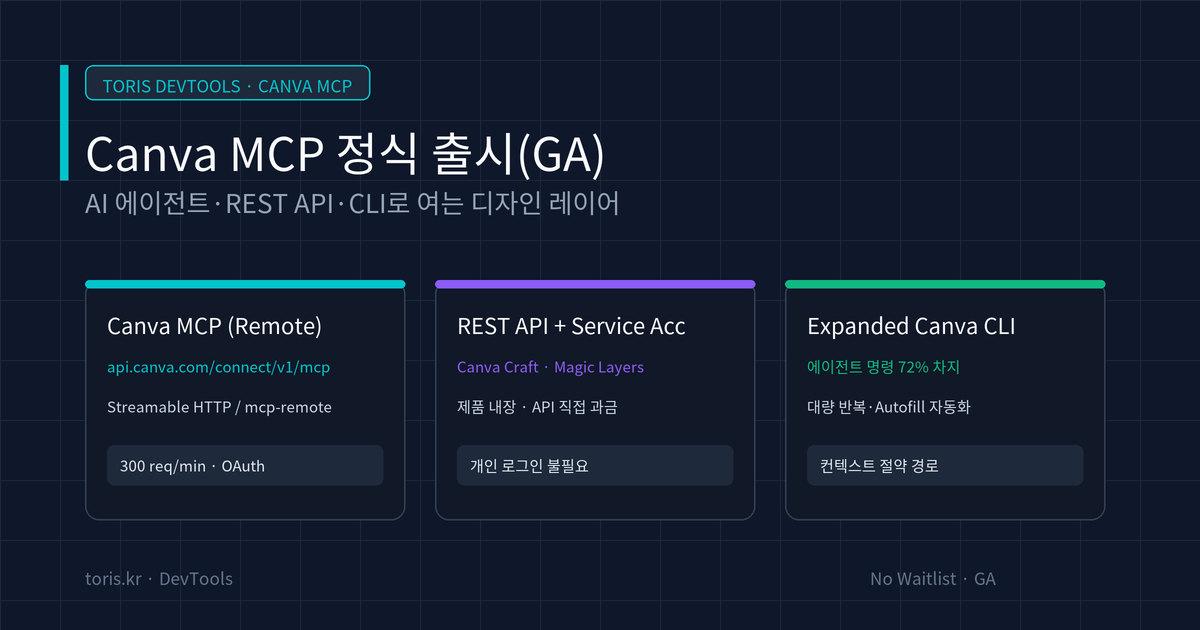
Q. Can I connect Canva's design creation and editing tools to my AI agent or SaaS product without joining a waitlist? Yes. On November 24, 2026, Canva made the Canva MCP server generally available (GA) and removed the waitlist. You can create an app in the Canva Developer Portal, flip on the Canva MCP toggle, and connect over OAuth to
https://api.canva.com/connect/v1/mcp, alongside two sibling paths: REST APIs with service accounts and an expanded Canva CLI.
⚠️ Accuracy guardrail: This guide is based on direct verification on November 25, 2026 of Canva's official Newsroom announcement (Nov 24, 2026), Canva Developers Blog, and the Canva MCP tools and rate-limits documentation. Per-tool rate limits (req/min), plan requirements (such as Autofill, Brand Templates, and lossless export), and REST API service-account billing terms are subject to change.
30-second summary
- No-waitlist GA: Enable the
Canva MCPtoggle underOutside Canva > Configurationin the Canva Developer Portal and connect directly tohttps://api.canva.com/connect/v1/mcpvia Streamable HTTP. - Rebuilt for agents: Overlapping tools were consolidated so even smaller models can generate designs, edit layouts, remove backgrounds, run Magic Layers, resize creatives, and export (PDF, PNG, JPG, PPTX, MP4) using less context.
- Three integration paths: Use Canva MCP for AI assistants (per-user OAuth, 300 req/min default cap), REST API for native product embedding (service accounts + API billing), or Canva CLI for high-volume coding-agent jobs (72% of CLI commands in October came from agents).
- Auth & plan limits: Canva MCP requires each user to sign in with their own Canva account (no service accounts), and Autofill, Brand Templates, and full resize/pro exports require Canva Pro or above.
Why Canva MCP matters now
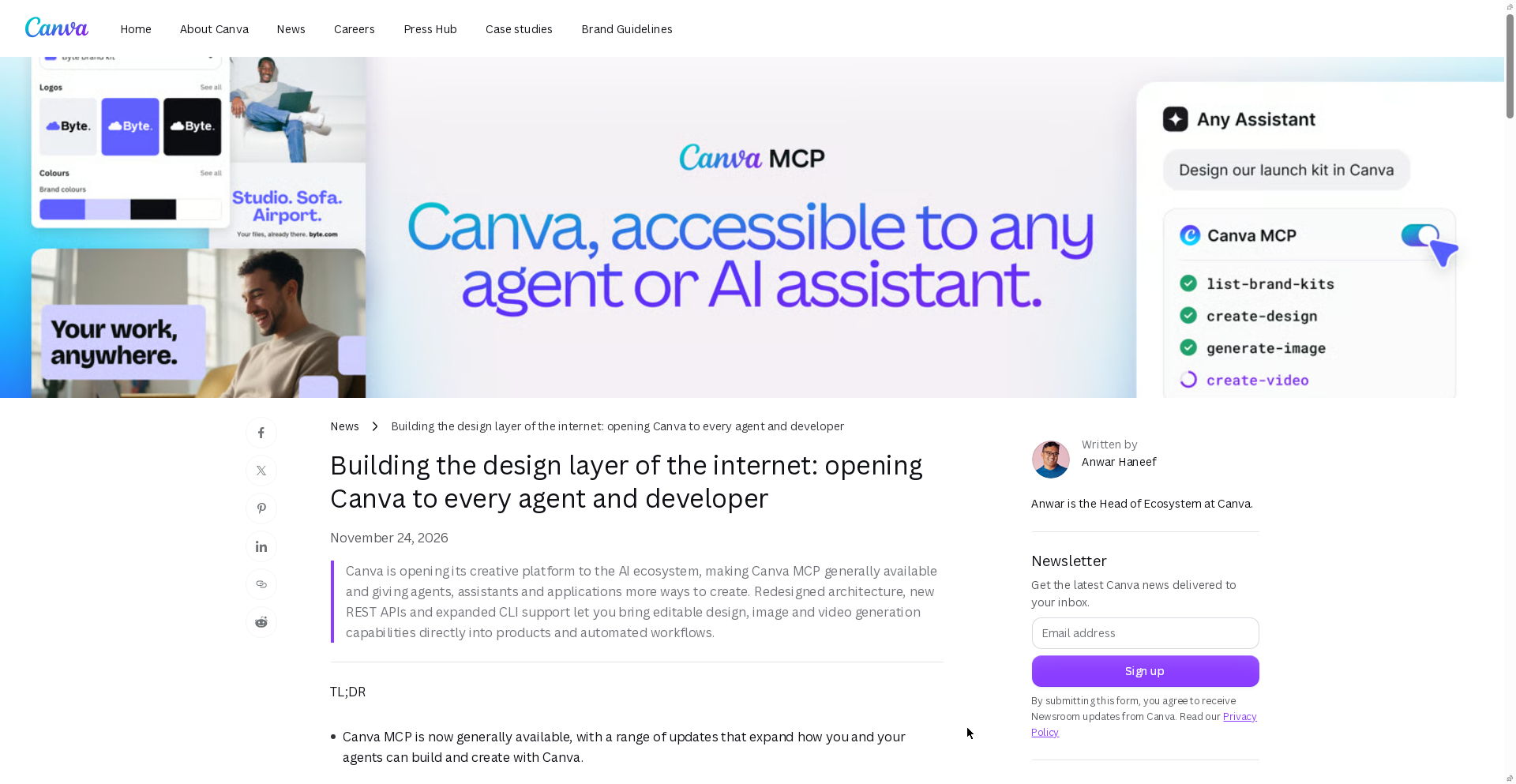
Until recently, connecting Canva to an AI workflow meant either using pre-built connectors inside ChatGPT or Claude or waiting on community developer access. With the November 24, 2026 release, Canva opened its MCP server, its Canva Craft image generation model, and production REST/CLI infrastructure to every developer and solo founder.
According to Canva's announcement, nearly 500,000 people have signed up for Canva through MCP since October, and MCP usage rose 93% month-over-month from September to October. Four out of ten first-time MCP users were brand new to Canva, and users arriving from an AI assistant were 2.5x more likely to use Canva AI tools.
Unlike standalone image-generation APIs that return a flat bitmap, Canva MCP returns an editable design and an edit URL, keeping human review and team collaboration intact inside Canva.
Three ways to build: MCP, REST API, and CLI
Canva's developer platform now clearly splits creative automation into three integration paths.
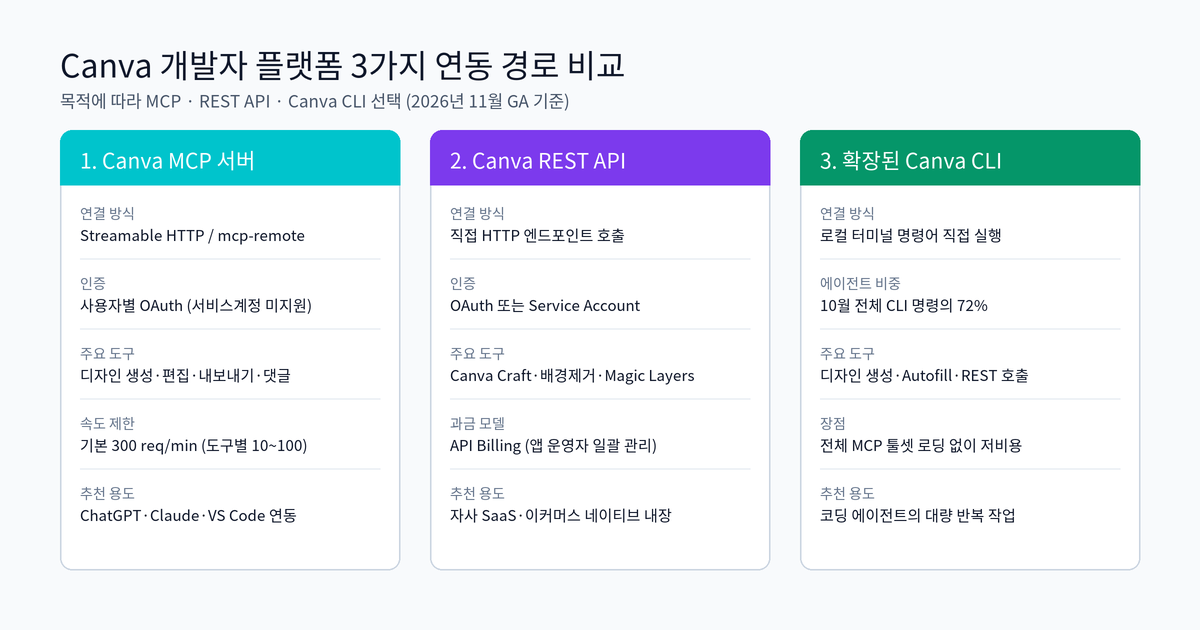
| Dimension | Canva MCP Server | Canva REST API | Expanded Canva CLI |
|---|---|---|---|
| Transport | Remote Streamable HTTP / mcp-remote |
Direct HTTP endpoints | Local terminal commands |
| Auth model | Per-user OAuth only (no service accounts) | OAuth or Service Account | Developer / agent CLI session |
| Core tools | Design gen, editing, search, comments, export | Canva Craft, background removal, Magic Layers | Design creation, Autofill, direct REST calls |
| Billing & scope | Respects each user's Canva plan | API Billing managed by the app owner | Linked account & API permissions |
| Best fit | ChatGPT, Claude, VS Code, AI assistants | Native SaaS & e-commerce product features | Bulk, repetitive coding-agent workflows |
Just like the approach we covered in our DBX MCP & CLI guide, Canva highlights the CLI as a leaner option when coding agents run repetitive jobs without loading a full MCP tool schema into context. In October, 72% of all commands typed into the Canva CLI came from agents.
5-minute Canva MCP setup
To connect your own AI assistant or internal chatbot to Canva MCP, register an OAuth app in the Canva Developer Portal and point your MCP client to the remote endpoint.
- Create an app & enable MCP: Create an app in the Developer Portal, go to
Outside Canva > Start integrating, and turn on the Canva MCP toggle underConfiguration(you can leave REST APIs off unless your app calls them directly). - Store credentials & redirect URI: Copy the
Client ID, generate and securely store theClient secret(shown only once), and add your OAuth client'sRedirect URLs. - Connect your MCP client: Point Streamable HTTP clients to
https://api.canva.com/connect/v1/mcp, or wrap it viamcp-remote@latestfor stdio-only clients such as local VS Code configurations.
{
  "servers": {
    "Canva": {
      "type": "stdio",
      "command": "npx",
      "args": [
        "-y",
        "mcp-remote@latest",
        "https://api.canva.com/connect/v1/mcp"
      ]
    }
  }
}
Note that clients relying on a Client ID Metadata Document (CIMD) instead of a client secret must still apply through the waitlist form to register their redirect URI.
Key MCP tools, rate limits, and plan boundaries
Canva recommends calling list tools dynamically on connect rather than hardcoding a static list. The documented tool groups and rate limits are summarized below.
| Category | Representative MCP tools | Rate limit (req/min) | Plan availability |
|---|---|---|---|
| Designs | generate-design, create-design, search-designs, get-design-content |
20 (gen) / 100 (read) | All plans |
| Images & layers | generate-image, remove-background, separate-image-layers |
10 (generate-image) / Default 300 |
All plans |
| Editing transactions | start-editing-transaction, perform-editing-operations, commit-editing-transaction |
20 (start/commit) / 50 (ops) | All plans |
| Exports | export-design (PDF, PNG, JPG, PPTX, MP4) |
20 req/min | All plans (see caveat below) |
| Resizes | resize-design |
20 req/min | Pro and above (limited trial on Free) |
| Autofill & Brand | autofill-design, list-brand-kits, search-brand-templates |
20–100 req/min | Pro and above only |
Tools marked Default share a global limit of 300 requests per minute per user across all connected MCP clients. While export-design works on Free plans for standard quality, lossless PNGs, transparent backgrounds, and designs containing premium elements require Canva Pro or above (Free plans return license_required when exporting premium elements).
Toris's take
For solo founders and small SaaS teams automating launch kits, pitch decks, or social creatives, choosing the right Canva path comes down to who is authenticating and how repetitive the task is:
- Internal assistants & personal workflows: Pick Canva MCP. Because design and image generation are asynchronous, track the returned job ID according to the polling policy and always surface the
edit URLso humans can tweak the final layout in Canva. - Customer-facing SaaS or e-commerce features: Choose REST API + Service Accounts instead of MCP. MCP forces every end user to sign in with a personal Canva account, whereas service accounts let your backend generate and process creatives under centralized API billing.
- Bulk coding-agent pipelines: Use the Canva CLI to invoke focused commands and Autofill workflows without burning context tokens on the full MCP tool catalog. (If you are also automating GitHub PRs, see our Claude Ship 3-agent guide.)
Sources
- Canva Newsroom — Building the design layer of the internet: opening Canva to every agent and developer (2026-11-24)
- Canva Developers Blog — How to use Canva MCP in your AI application (2026-10-27)
- Canva Developers Docs — About Canva MCP
- Canva Developers Docs — Quickstart (
api.canva.com/connect/v1/mcp) - Canva Developers Docs — MCP tools and rate limits
Advertisement